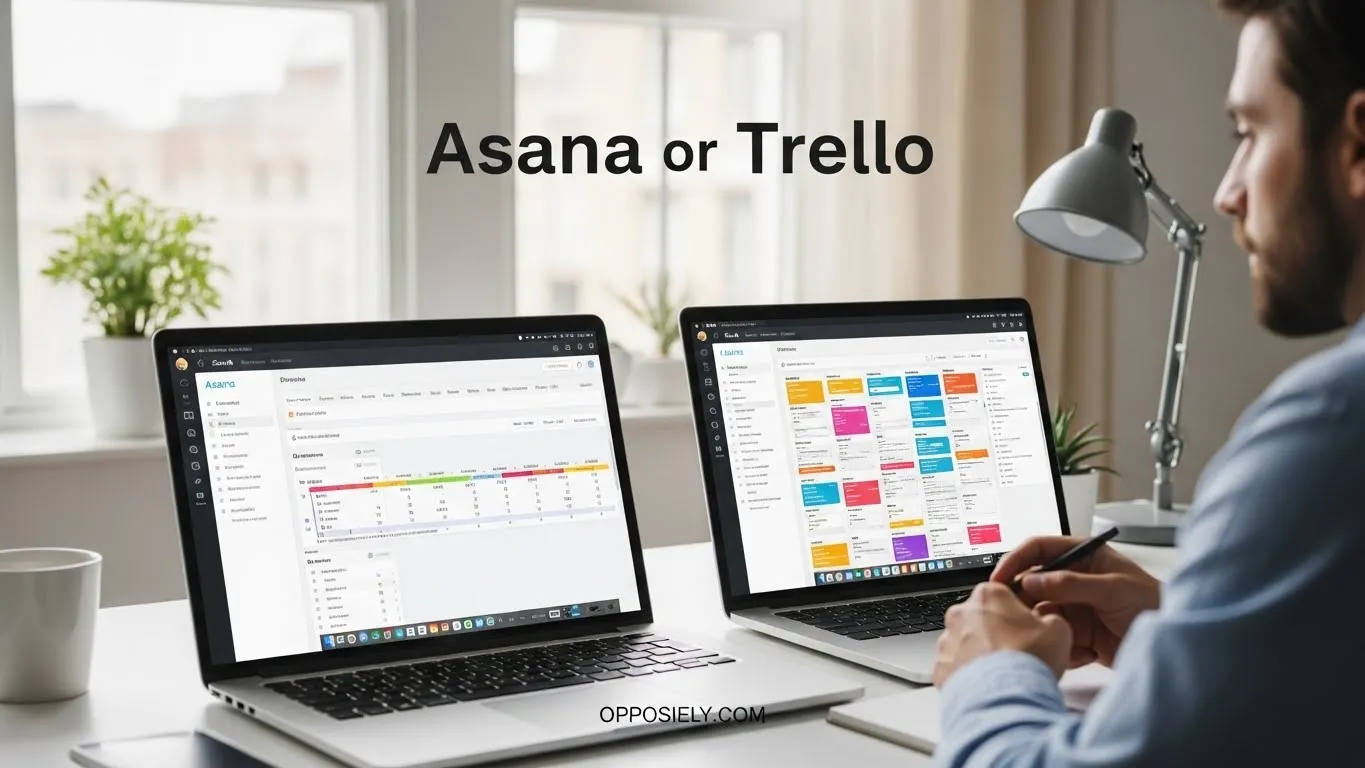
If you’re managing projects or collaborating with a team, you’ve probably asked yourself: Asana or Trello?
Here’s the short answer right away: Asana is ideal for complex projects and team collaboration with detailed tracking, while Trello is perfect for simple, visual task management using boards and cards.
Both tools are excellent, but they cater to different workflows and styles. Choosing the right one can save time, reduce stress, and improve your team’s productivity. People search for Asana or Trello because both are widely popular, easy to access online, and promise to make project management smoother.
At first glance, the differences may seem small, but understanding their unique strengths makes the choice simple.
In this guide, we’ll break down everything, from features, usability, integrations, pricing, to real-life use cases, so you can confidently pick the tool that fits your team’s needs.
Asana or Trello: Quick Answer
Asana is best for teams that need structured project tracking, timelines, and workload management.
Trello is best for teams that prefer a simple, visual, card-based system to manage tasks quickly.
Example:
Large marketing campaigns → Asana
Personal task lists or small team projects → Trello
What Is Asana?
Asana is a project management tool designed for collaborative work.
It allows teams to create projects, assign tasks, set deadlines, track progress, and visualize workflows with multiple views like lists, boards, and timelines.
Key Strengths of Asana
- Advanced task management
- Project timelines and calendars
- Team collaboration and workload tracking
- Integrations with many apps like Slack, Zoom, and Google Workspace
What Is Trello?
Trello is a visual project management tool based on the Kanban system.
Tasks are represented as cards on boards that can move across columns to track progress.
It’s simple, intuitive, and ideal for smaller teams or individual use.
Key Strengths of Trello
- Easy to use and visually appealing
- Flexible boards, lists, and cards
- Good for personal projects and small teams
- Integrates with apps like Slack, Google Drive, and Zapier
Asana vs Trello: Core Differences
| Feature | Asana | Trello |
|---|---|---|
| Project Complexity | High | Low to Medium |
| Task Management | Detailed | Simple |
| Visualization | Lists, Boards, Timelines | Boards only |
| Team Size | Small to Large | Small to Medium |
| Reporting | Advanced | Limited |
Usability: Which One Is Easier?
Trello is simpler for beginners. Its drag-and-drop interface makes moving tasks easy.
Asana has more features, which can take time to learn, but offers powerful control for large teams.
Collaboration Features
Both tools are great for team work, but their approaches differ:
| Feature | Asana | Trello |
|---|---|---|
| Assign Tasks | Yes | Yes |
| Comments & Discussions | Yes | Yes |
| Notifications | Advanced | Basic |
| Workload Management | Yes | No |
Integrations and Apps
Both Asana and Trello can connect with popular apps:
- Asana: Slack, Zoom, Google Workspace, Jira, Salesforce
- Trello: Slack, Google Drive, Zapier, Evernote
Integration Comparison
| App Support | Asana | Trello |
|---|---|---|
| Slack | Yes | Yes |
| Google Drive | Yes | Yes |
| Zapier | Yes | Yes |
| Advanced Tools | Yes | Limited |
Pricing Overview
Both tools have free and paid plans:
| Plan | Asana | Trello |
|---|---|---|
| Free | Up to 15 users | Unlimited boards, basic features |
| Premium | $10.99/user/month | $5/user/month (Standard) |
| Business | $24.99/user/month | $10/user/month (Premium) |
Best Use Cases
Choose Asana if:
- You manage complex projects
- You have medium to large teams
- You need timelines, dashboards, and detailed reporting
Choose Trello if:
- You want visual, simple task tracking
- You are a freelancer or small team
- You prefer flexibility and minimal setup
Mobile and Accessibility
Both tools are available on web, iOS, and Android.
Trello feels more intuitive on mobile due to its drag-and-drop interface.
Asana offers more advanced project views but can feel crowded on smaller screens.
Common Mistakes People Make
- Choosing Trello for very large projects
- Assuming Asana is too complicated for small teams
- Ignoring free plan limitations
- Not exploring integrations
- Using one tool without training team members
Real-Life Examples
Team Collaboration:
“Our marketing team uses Asana to manage campaigns, deadlines, and approvals.”
Small Project:
“I use Trello to track personal tasks and freelance projects because it’s simple.”
Cross-Team Communication:
“Both Asana and Trello integrate with Slack for real-time updates.”
Google Trends & Usage Data
Searches for Asana or Trello spike during:
- Team project setup
- New tool adoption
- Remote work trends
Trello remains popular for simplicity; Asana is rising for larger organizations.
FAQs
Is Asana better than Trello?
Depends on your team size and project complexity.
Can I use both together?
Yes, but it may complicate workflows.
Is Trello free?
Yes, with basic features; paid plans offer more functionality.
Can Asana handle large teams?
Yes, it’s designed for medium to large organizations.
Which is better for beginners?
Trello is easier to start with.
Do both have mobile apps?
Yes, fully functional on iOS and Android.
Conclusion
So, when choosing Asana or Trello, the best option depends on your project needs and team size. If you manage complex projects, need detailed tracking, and want advanced collaboration features, Asana is the better choice.
If you prefer simplicity, visual boards, and flexible task management for smaller teams or personal use, Trello is ideal. Neither tool is wrong, they are designed for different priorities and workflows. Understanding these differences helps you choose smarter, save time, and improve productivity.
Once you know what your team needs, picking between Asana and Trello becomes simple and confident, letting you focus on getting work done instead of managing the tools themselves.
Read More:
Walker or Charbonnet: Who Should You Choose?
BMI or ASCAP: Key Differences Explained 2026
Quest or LabCorp: Which Lab Is Better?